Google Review Cards: Do Tap Cards Get You More Reviews?
Customers mean to leave a review and then forget. A tap card cuts the steps down to one, if you use it right.
A Google review card has a tap chip and a QR code that open your Google review form. It cuts out the searching, so leaving a review takes seconds. It works best when you hand it over at the end of a good job and ask in person. Google doesn't allow rewarding people for reviews.
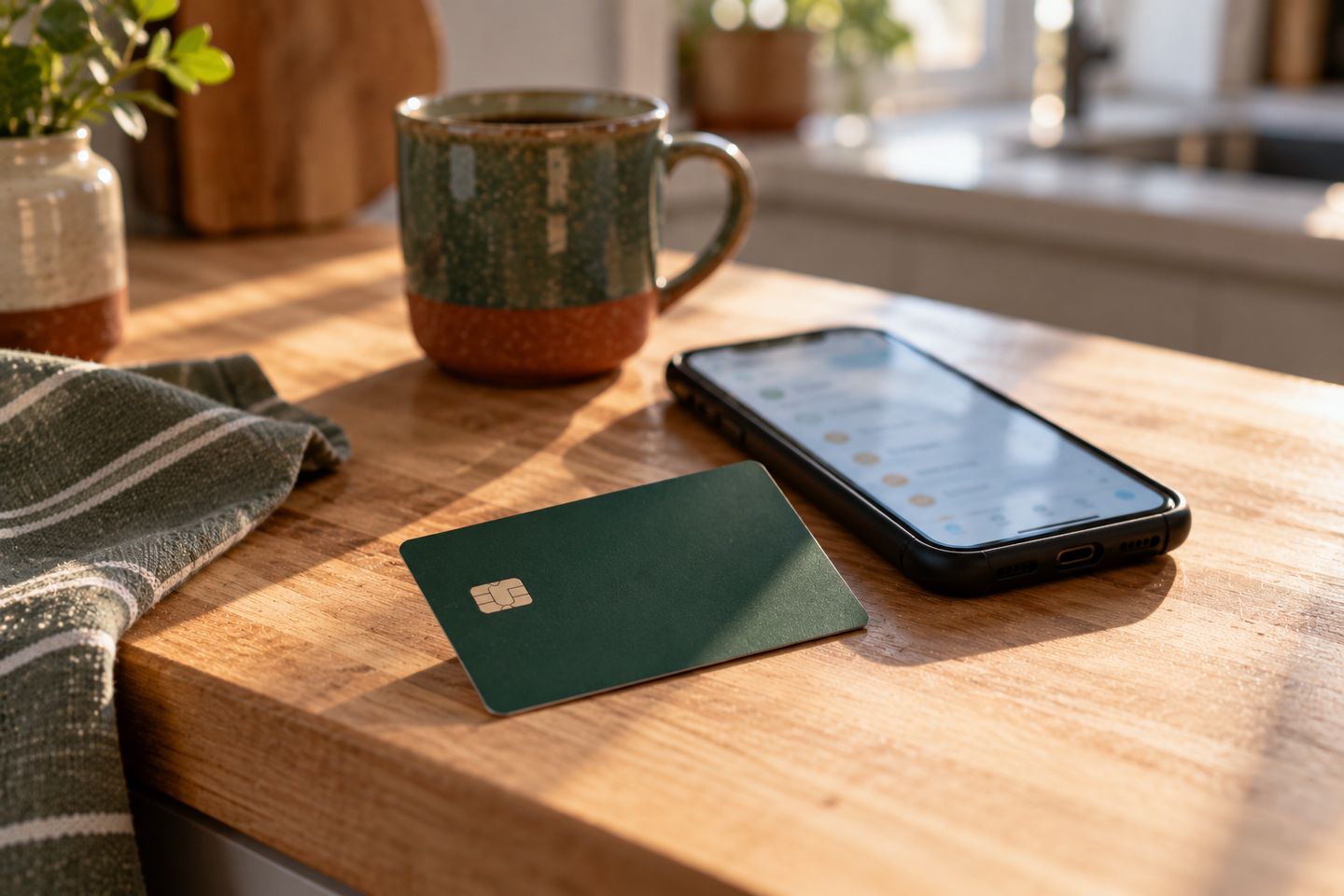
The new furnace is running, the house is warming up, and the homeowner shakes your hand at the door. "You guys were great. I'll leave you a review."
They mean it. Then the kids need supper, the week gets busy, and finding your business on Google to write a review is more steps than most people get around to.
How a Google review card works
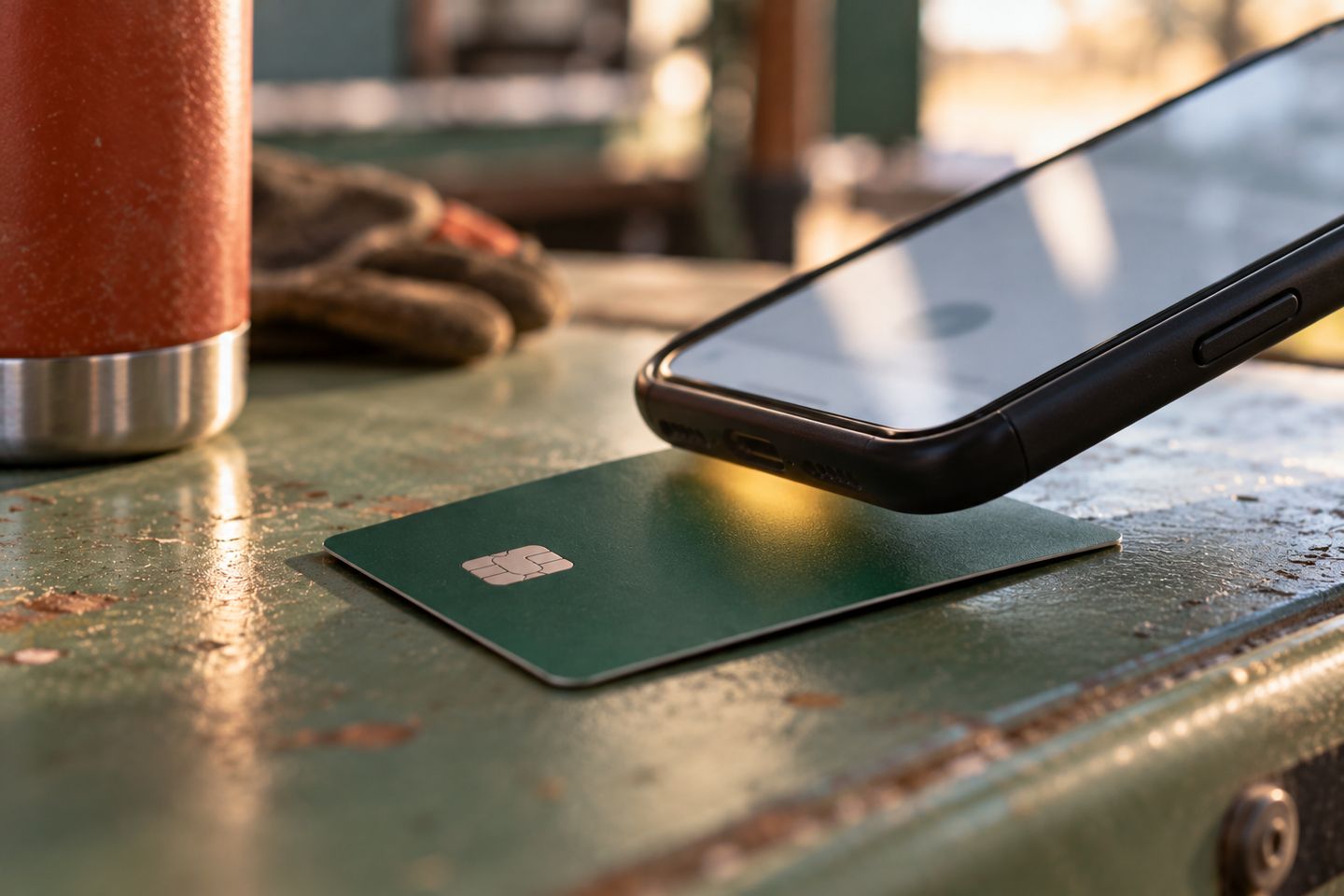
A review card looks like a business card. Inside is a small NFC chip, the same kind as in a tap-to-pay credit card. The chip holds one thing, a web link.
When a customer holds their phone near the card, the phone reads the link and offers to open it. If that link is your Google review link, they land on the box where they pick their stars and write a few words. Apple says iPhone XS and newer read these chips in the background, as long as the camera isn't open. On Android, NFC has to be switched on, which it usually is.
The better cards also print a QR code on the back, which covers any phone that won't tap.
The card is a shortcut. The ask is still yours to make.
Get your own review link first
A card is only as good as the link on it. If it points to the wrong business or an old listing, every tap is wasted. Google gives every Business Profile its own review link and QR code, so you don't need a paid service to get one.
Open your Business Profile at business.google.com and go to the reviews section. Choose the option to get more reviews, then copy your review link or download the QR code. Google says the QR code can only be made from a computer browser. Save the link somewhere handy, since it works in texts, invoices and thank-you emails too.
- Your profile is claimed and verified
- The business name and phone number on it are right
- You've copied your review link from the reviews section
How to use a review card on the job
Put your own link on it
Load the card with your review link, then tap it with your own phone to make sure it opens your review form.
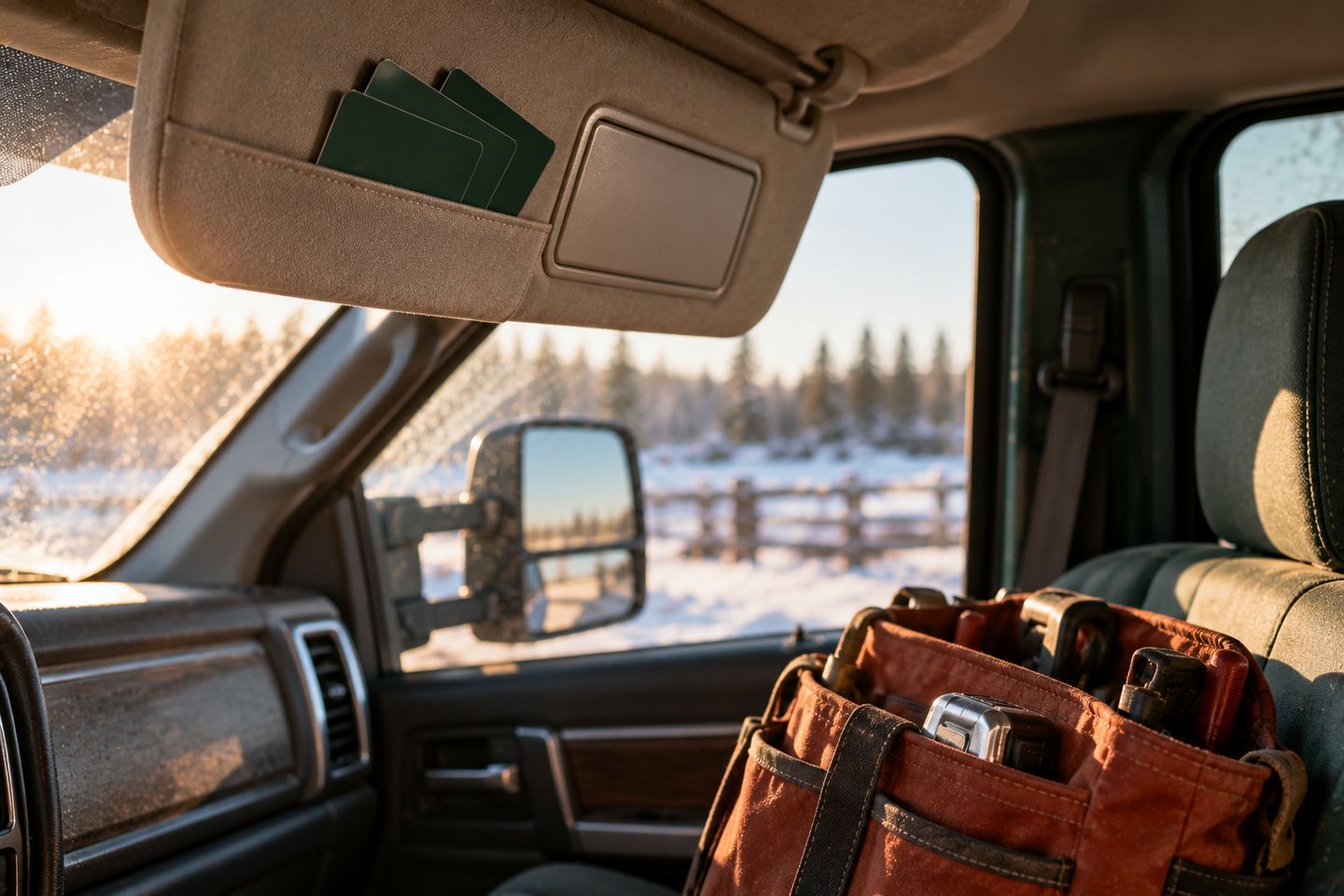
Keep cards in every truck
Put a few on the clipboard you hand over or with the invoice. A card in the office drawer doesn't get tapped.
Ask when the job is done
When the customer says thanks, hand them the card and tell them what it's for. Ask once, and let them do it when they're ready.
Ask every customer
Google doesn't allow asking only the customers you think are happy. Hand a card to everyone.
Answer the reviews you get
Reply to reviews, good and bad. Google suggests short, polite replies that speak to what the customer said.
Tip: Google counts rewards for reviews as fake engagement, whether that's a discount, a free service call or a gift card. Reviews from your own crew aren't allowed either.
Check your card before you hand it out
Check yours
- Tap your card with your phone and it opens your own review form
- Scan the QR code on the back and it goes to the same place
- The business name on the review form matches your truck and invoices
- Every truck has a few cards in it
- Nobody on your crew offers a discount or freebie for a review

Virginia Purnell
Founder, Gezin
Virginia helps local trades get found on Google and get the call, by fixing their Google profile and making their contact details match everywhere.
Find out how your reviews stack up
Book a free checkup and I'll look at your Google profile, your reviews and where you show up next to the businesses you compete with. You'll hear one thing that's working and the two fixes that matter most.
Book a free checkupQuestions owners ask
Do Google review cards work on every phone?
Most newer phones read the tap chip without an app. Apple says iPhone XS and newer read NFC tags in the background, and most Android phones do too when NFC is on. A QR code on the back covers any phone that won't tap.
Does Google allow NFC review cards?
Yes. Google tells businesses to share a review link or QR code with customers, and a tap card is another way to share that link. What Google doesn't allow is rewarding reviews or only asking happy customers.
How do I get my Google review link?
Open your Business Profile at business.google.com and go to the reviews section. Choose the option to get more reviews, then copy your link or download your QR code. Google says the QR code only downloads from a computer browser.
Can I give customers a discount for leaving a Google review?
No. Google says offering free or discounted goods or services for a review is fake engagement and prohibited. That includes offers to change or remove a bad review. Ask for an honest review and leave it at that.
Do customers need a Google account to leave a review?
Yes, they have to be signed in to a Google Account. Google points out they can make one with an email address that isn't Gmail, so a customer with a work or Outlook email can still leave a review.