To add your business to Google Maps, search Maps first to see if a listing already exists. If it does, claim it. If it doesn't, go to business.google.com/add, set up your free Google Business Profile and pick a verification option. Once Google approves you, your business shows up on Maps. It's free.
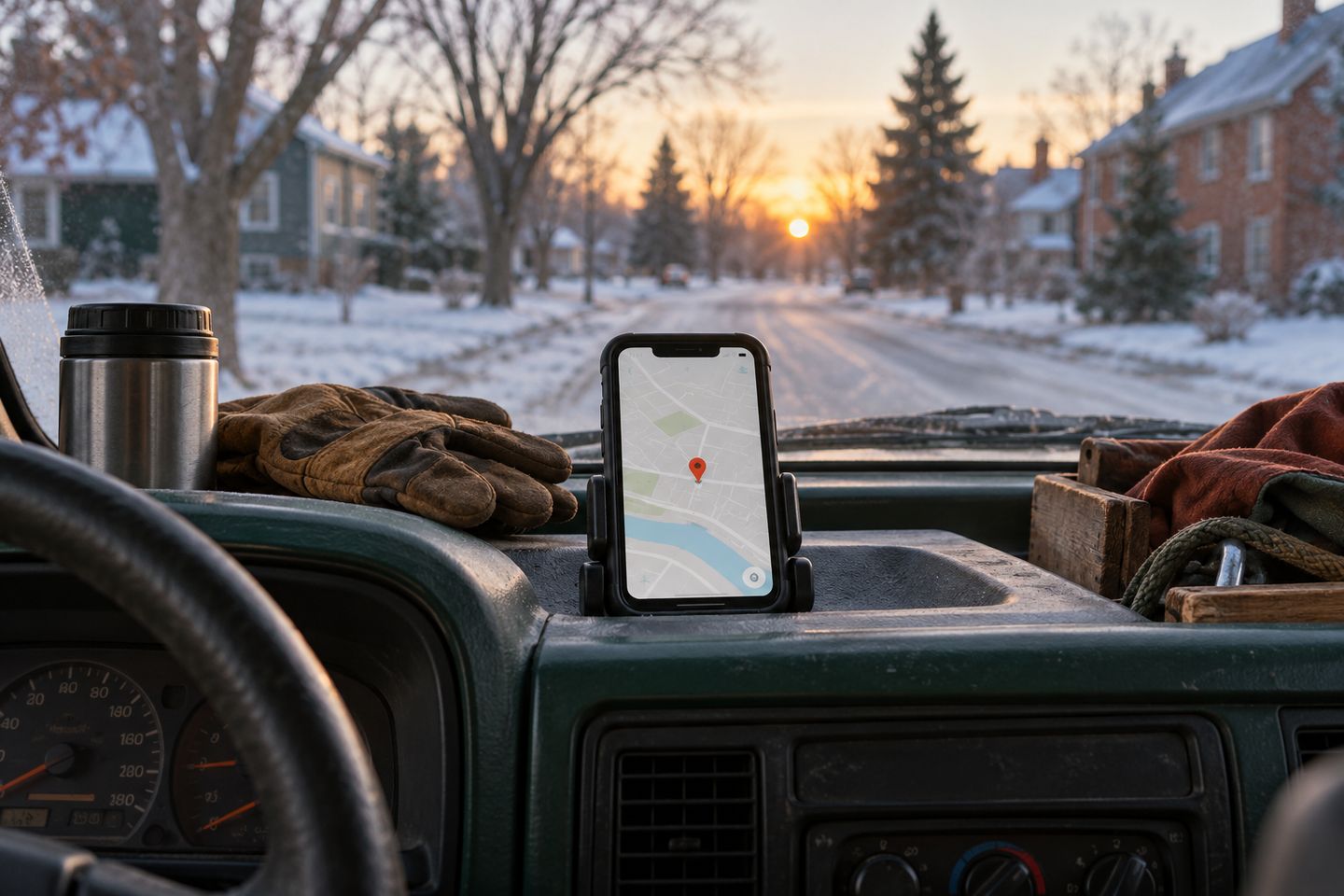
When a furnace quits at six in the morning in January, nobody sits down to compare ten websites. They grab their phone, open Google Maps, type "furnace repair," and call somebody they can see on that map.
If your business isn't there, the call goes to someone who is. Getting on the map is free, and you can do the whole thing from your phone.
First, check if you're already on Google Maps

Before you add anything, open Google Maps and search your business name and your town. Plenty of trades businesses are already on the map without knowing it. Google builds listings from public information, and sometimes a customer or a past employee adds one.
If nothing comes up, you're starting fresh. If your business shows up with "Claim this business," nobody has verified it yet, so tap it, then "Manage now." If it's already verified and you don't know who did it, you can request ownership from inside Google.
Look for doubles while you're there. Google's guidelines say there should be one profile per business. If you find an old listing with a past address or phone number, claim it and fix it rather than starting a second one.
The name on your Google profile should match the name on your truck door.
Three setup choices that matter most
Most of the setup is filling in boxes. These three choices are the ones people get wrong.
Your business name is the first. Use the name on your truck door and your invoices, and nothing else. Google's guidelines don't allow extra words like services, taglines or towns in the name. Your category is the second. Pick the main thing you do, like "Roofing contractor," and add others later. Your address is the third. If you go to your customers, Google says to hide your address and set a service area instead. Your home address stays off the map, and you still show up for the towns you cover.
- Business name: exactly as it is on your truck and invoices
- Category: the main service you do
- Address: hidden, with a service area, if customers don't come to you
How to add your business to Google Maps
Go to business.google.com/add
Sign in with the Google account you want to manage the business from. Use an email the business will still own in five years.
Enter your name and category
Type your business name exactly as it appears on your signs and invoices, then pick the category that matches your main service.
Choose where customers find you
If you work at customers' homes, choose the service area option, hide your address and list the towns you cover.
Add your phone, hours and website
Use the number you or your office answers, set the hours you take calls, and add your website if you have one.
Verify your business
Google shows you the verification options it has for you. For a video, Google says to record live on your phone, in one take of at least 30 seconds, and review can take up to five business days.
Tip: Plan your video before you hit record. Show the street signs near your address, the tools you use on the job, and yourself unlocking your work truck or starting a job, so Google can see you run the business.

Virginia Purnell
Founder, Gezin
Virginia helps local trades get found on Google and get the call, by fixing their Google profile and making their contact details match everywhere.